How to Make a Neon AI Dance Video from Two Photos
Turn two photos into a 15-second NEON-inspired AI dance video. Choose your stage, keep both looks, and create a dance duo. No choreography or prompts needed.
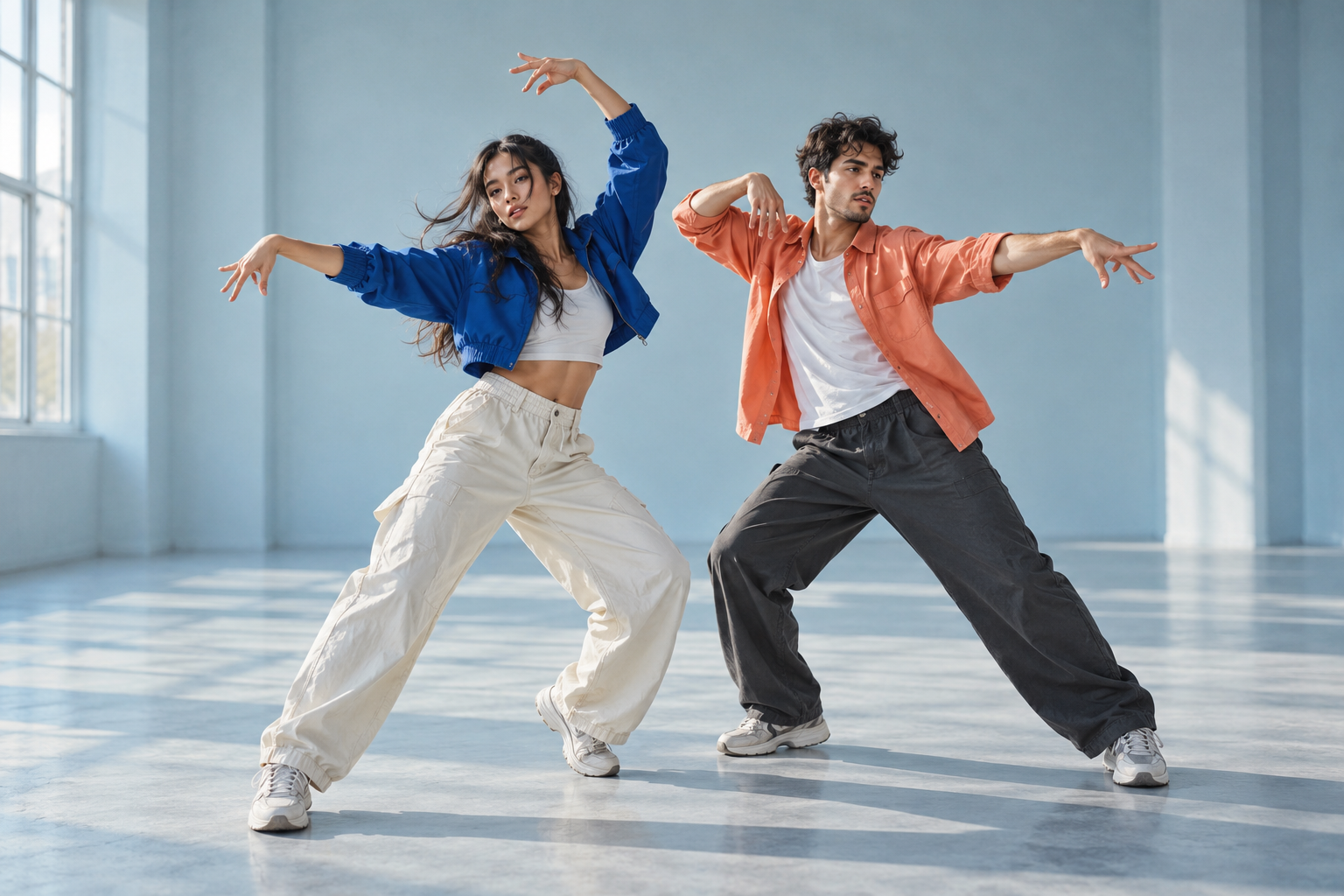
A photo-to-dance generator for two people, inspired by the A2O LITE NEON dance intro. Upload one photo per dancer, choose a background and create a shared dance video. This is an independent tool, not an official artist service.
Studio preview. Generation becomes available when a dance reference and provider are configured.
1. Choose two clear photos
Choose one clear photo for each dancer. You can prepare both photos before signing in. One person per photo. Show the face, hair and outfit in even light. Avoid covered faces, heavy filters and group photos. Use only images you have permission to process.
Use a clear JPG, PNG or WebP up to 10 MB for each dancer. Keep one person per image, with a visible face and outfit. You must have permission from both people to process their photos.
2. Choose your stage and quality
Pick a studio, lavender set, practice room, or your own background. Every dance is created in 720p HD.
Create a 15-second, 720p HD landscape MP4 in 16:9. Each dance costs 1,000 credits. Review the cost before confirming. Credit packs are one-time purchases, not subscriptions.
The $9.90 pack has 1,000 credits, $29.90 has 4,000 and $69.90 has 8,000. These cover 1, 4 or 8 dances in 720p HD. Prices are in USD.
3. Sign in and confirm the generation
Confirm to generate. Follow the task in My videos, then review, download, or share the finished MP4.
Find your task in My videos when you return. A confirmed provider failure returns the credits automatically. If submission is uncertain, check the existing task before starting another. A credit return is separate from a cash refund.
4. Review, download and share
Each photo guides its own dancer’s face, hair and outfit. AI results can vary; review both identities before sharing. Review and download the finished MP4, or use file sharing in a supported mobile browser. The video is landscape, so vertical platforms may add borders or require cropping. Check music, likeness and platform permissions before posting.
Photos, consent and privacy
Both photos and an optional custom background are sent to the configured storage and generation providers when you generate. Account-linked video history does not make media URLs private: anyone with a file link may be able to open it. Do not upload sensitive images or someone else’s likeness without permission. Download results you wish to keep.